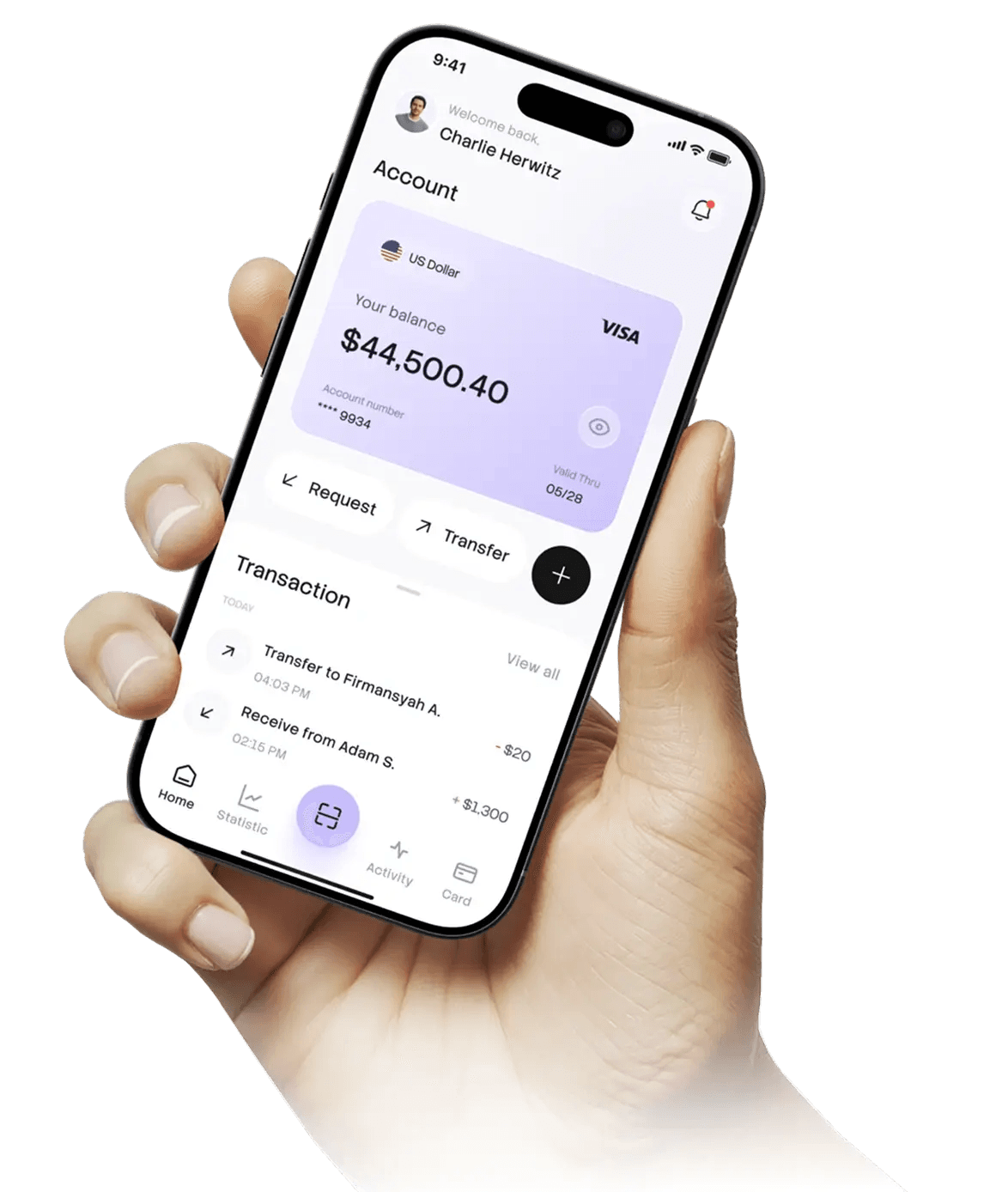
Still managing deliveries through chats and spreadsheets?
Manual delivery operations often lead to missed deliveries, duplicate orders, payment confusion, and poor visibility for both owners and drivers. Delivero replaces scattered tools with one connected workflow built for delivery businesses.
Manual delivery operations often lead to missed deliveries, duplicate orders, payment confusion, and poor visibility for both owners and drivers. Replace spreadsheets and WhatsApp chats with a system built for daily delivery runs.
Owners manage products, customers, orders, routes, drivers, and business performance from one dashboard, while drivers only see assigned deliveries and update order status as work gets done.
Use cases
Built for local delivery businesses that run recurring and one-time drops—without enterprise complexity.
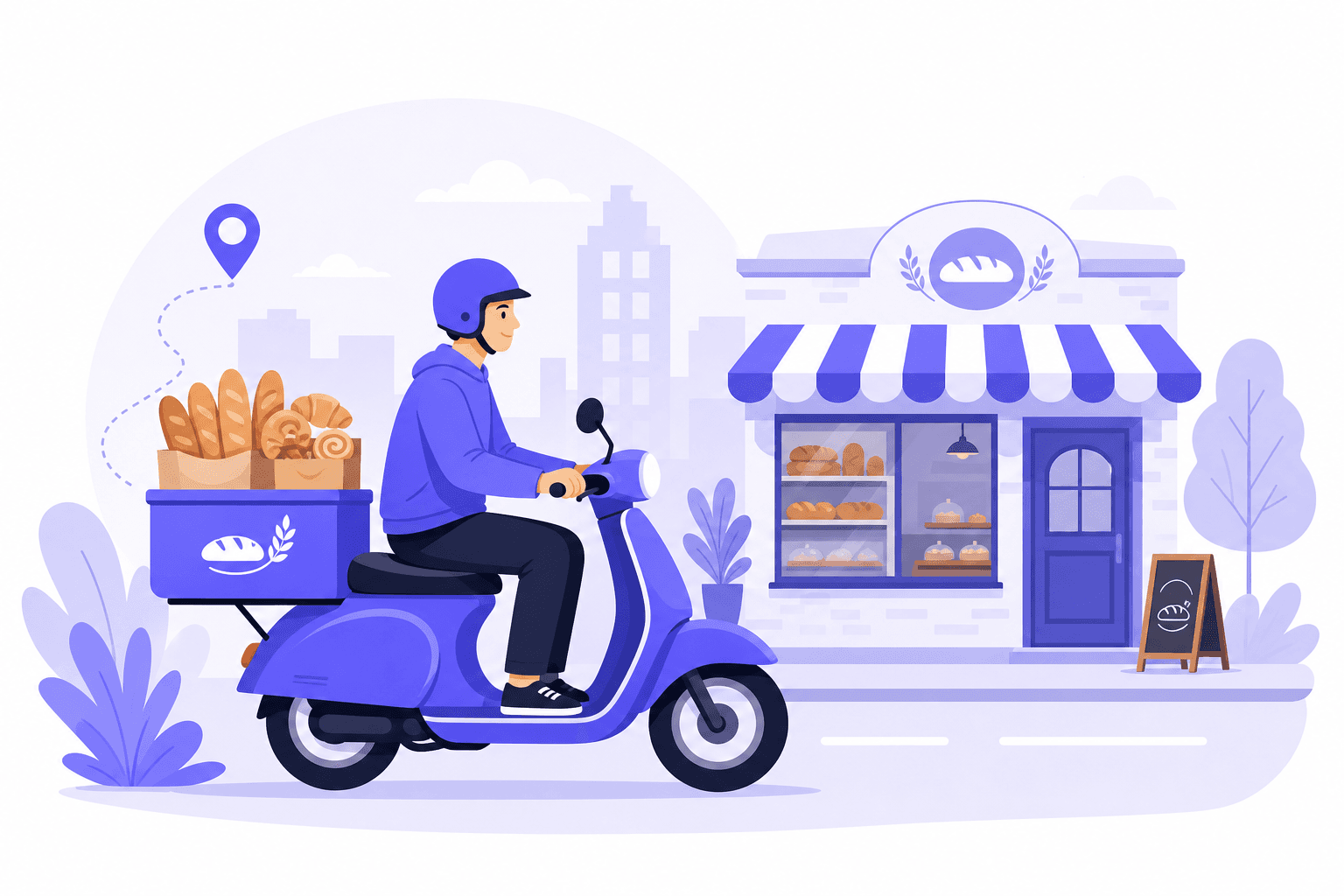
Create morning routes, assign drivers, and track delivered vs pending orders by customer. Popular with bakeries that run daily drops.
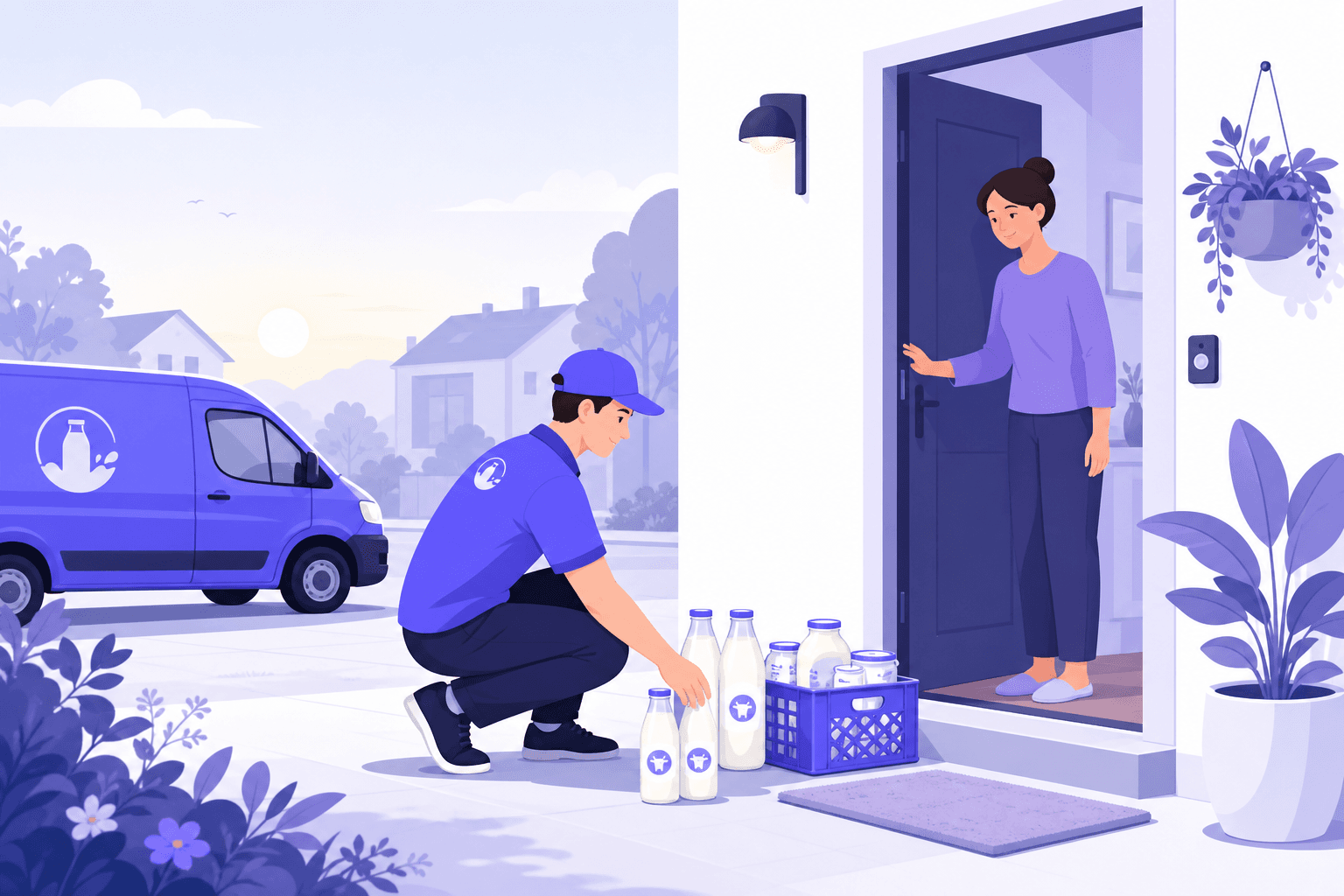
Manage recurring quantities, subscription orders, and payment status while keeping drivers focused on assigned drops. Built for milk and dairy runs.
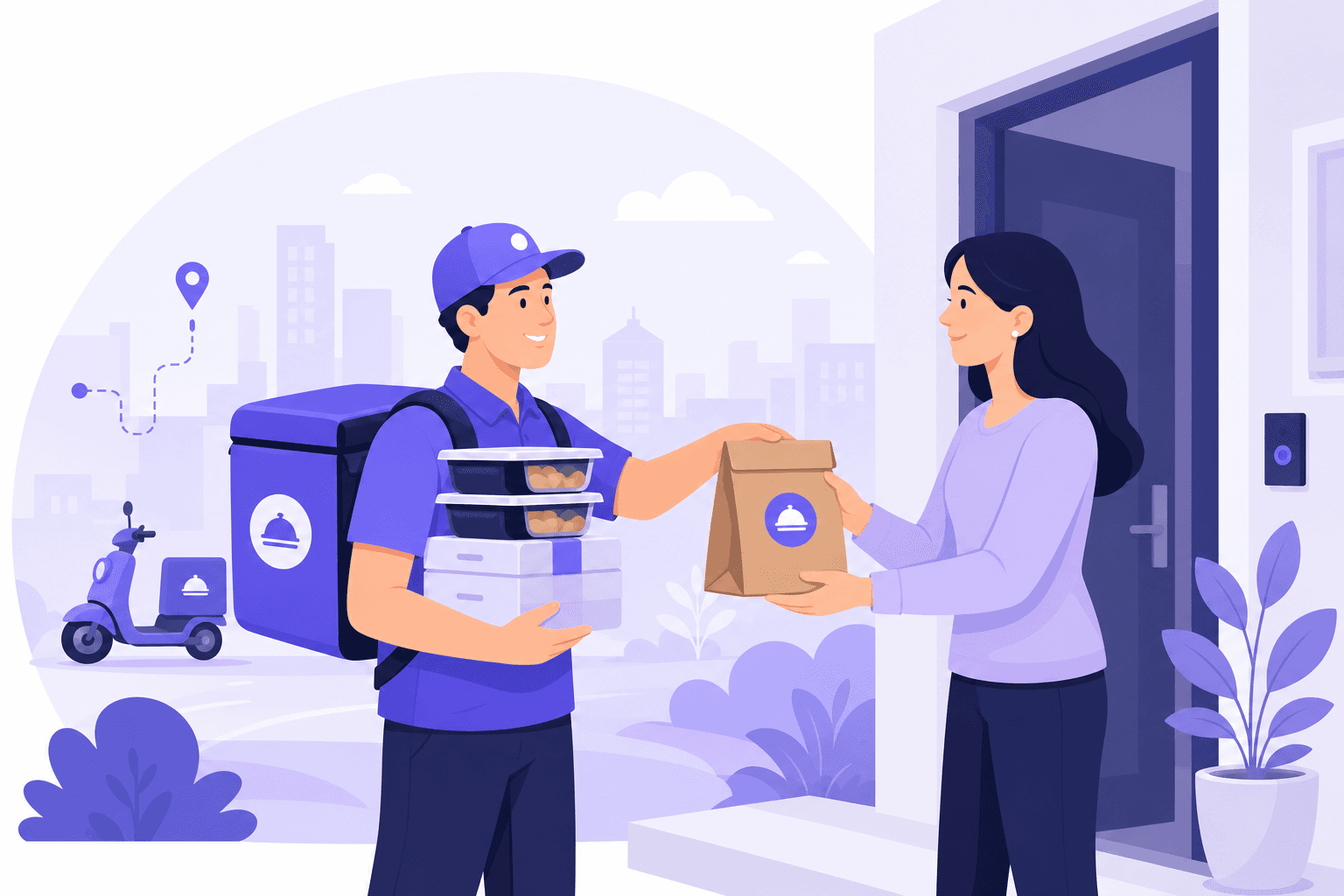
Handle daily order creation, route grouping, and status updates so owners can monitor delivery progress in real time.
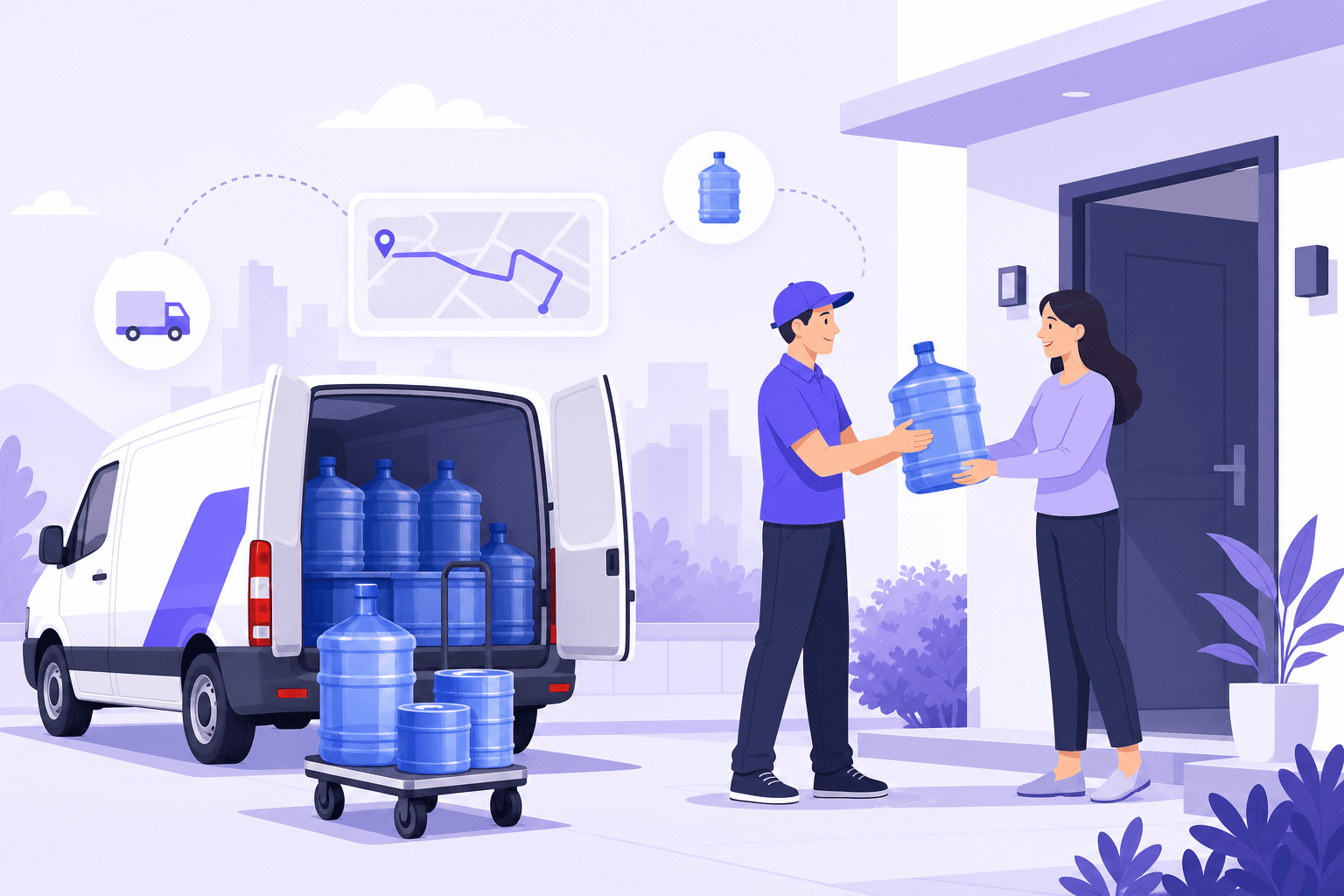
Keep large, route-based deliveries organized with clear driver assignment and customer contact access on the go.
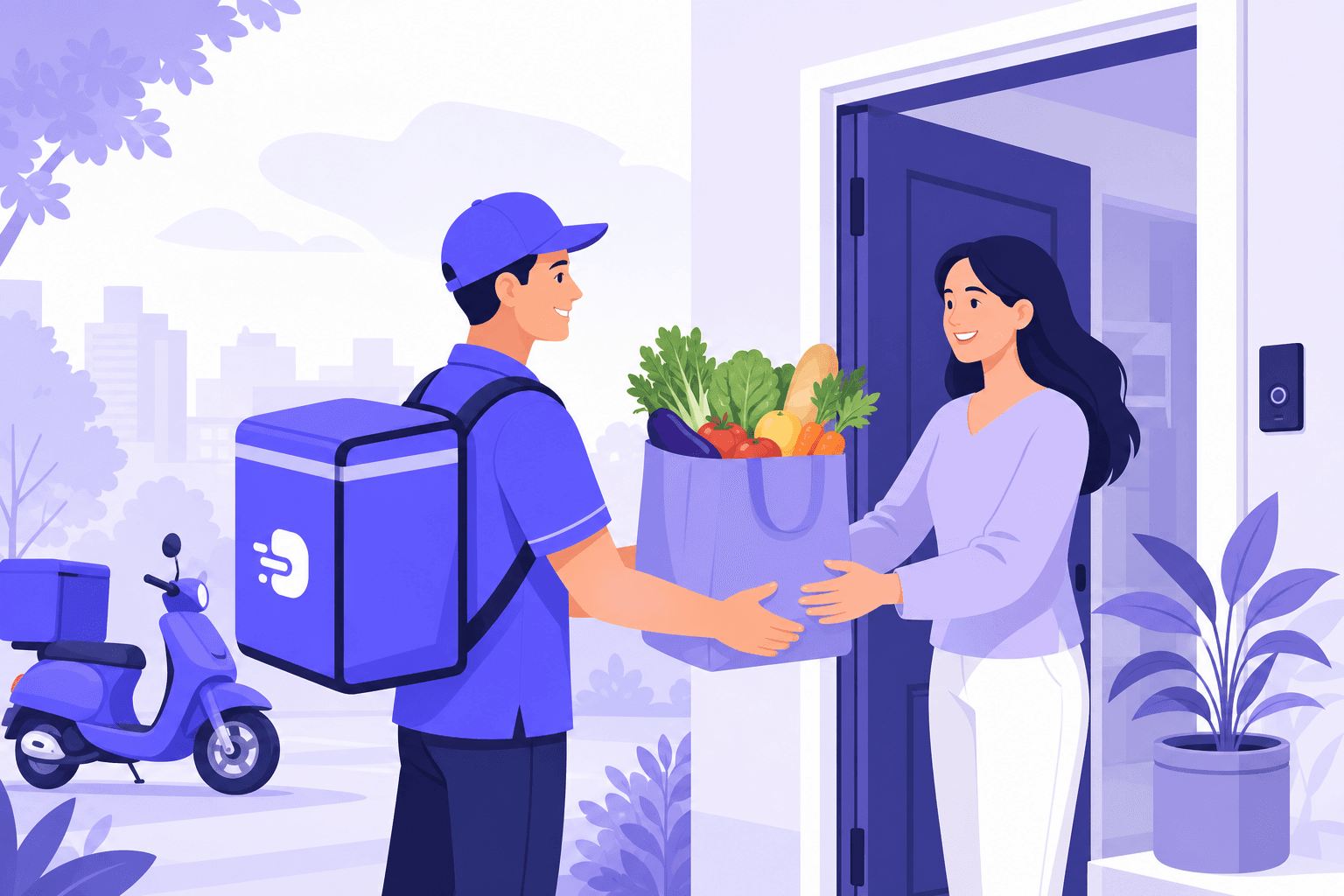
Track customer records, orders, and payments across routes while replacing spreadsheets and WhatsApp chats with one connected workflow.
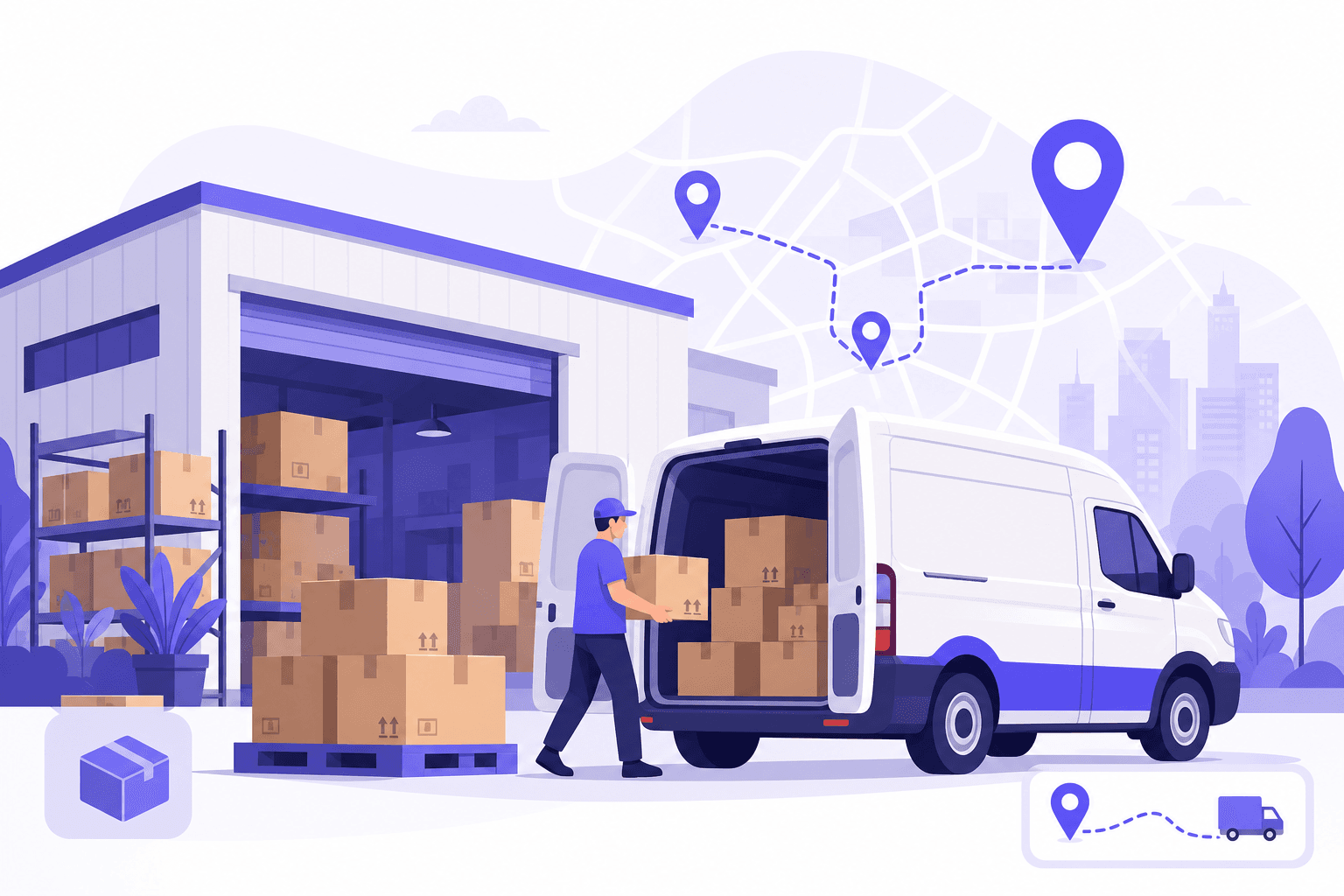
Manage multiple products, customers, and drivers with role-based access so the right people see the right data.
How Delivero works
- 1Step 1 — Set up your operations
Add products, customers, delivery routes, and drivers to match your business workflow.
- 2Step 2 — Create and organize orders
Create daily, one-time, or special orders, set quantities and payment details, and manage them from one place.
- 3Step 3 — Deliver with clarity
Drivers automatically see assigned route orders, open customer details, and update delivery status as deliveries are completed.
Everything needed to manage deliveries smoothly
Run your business from one dashboard with quick access to products, customers, routes, drivers, and orders.
Add and manage products with pricing, search your catalog quickly, and keep ordering accurate.
Store addresses, phone numbers, assigned routes, order history, and pending payment details in one place.
Create daily, one-time, and special orders with fast quantity entry, payment tracking, and clear order statuses.
Create routes by area, assign drivers, and keep route-to-driver syncing clear across operations.
Drivers view assigned deliveries, open customer details, and mark orders delivered with a focused delivery screen.
Built for both owners and drivers
Manage customers, products, orders, routes, drivers, payments, and daily performance with full access to business operations.
- Quick actions for daily work
- Revenue and order KPIs
- Customer and payment visibility
- Order and fulfillment tracking
Give drivers a simple assigned order list with customer details and the ability to update delivery status quickly.
- Assigned orders only
- Clear route-based delivery list
- Customer address and phone access
- Limited status updates for delivery work
A connected workflow from setup to final delivery updates
From products and customers to routes, drivers, and order status, Delivero keeps every step connected across owner and driver workflows.
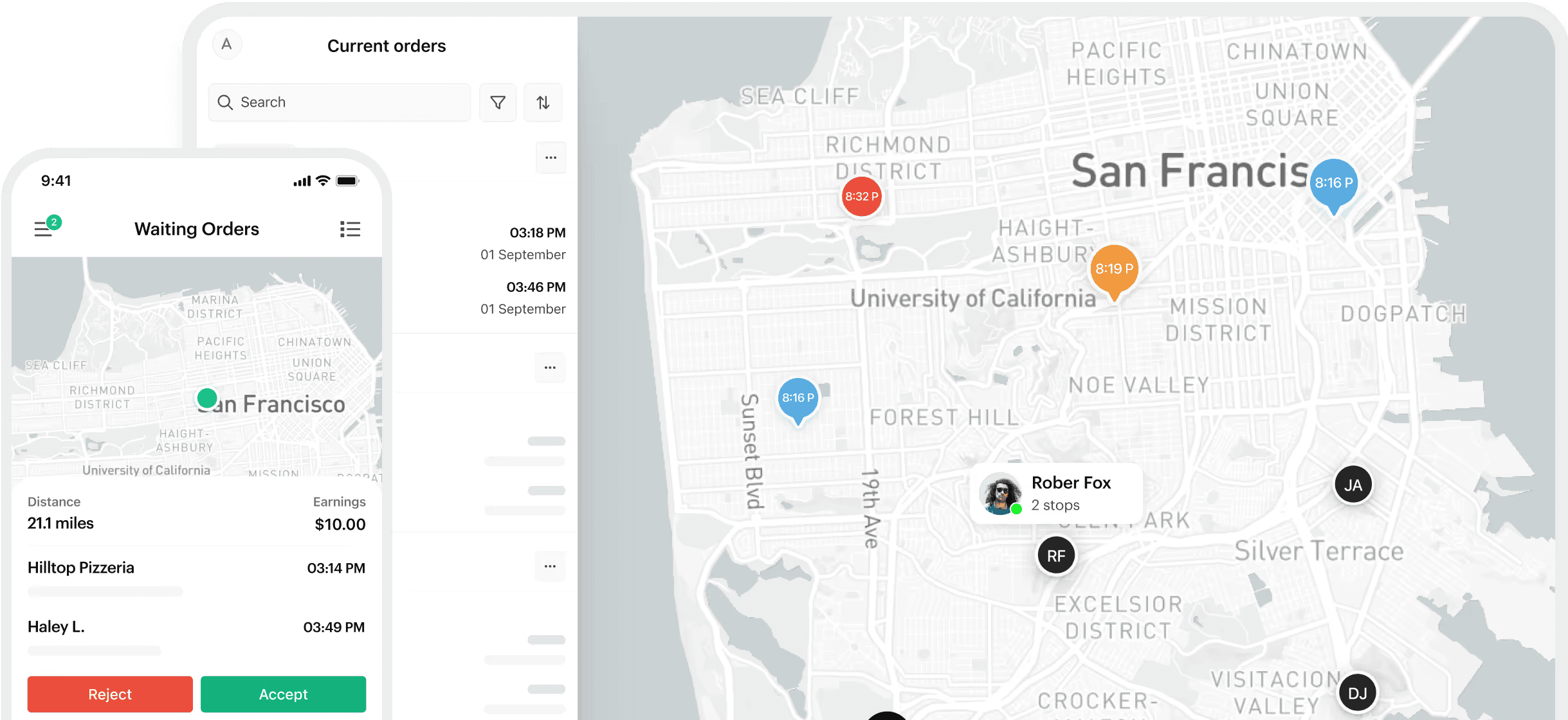
Clear roles, controlled access
Delivero uses role-based access so owners can manage full business data while delivery staff only see the orders and updates relevant to their assigned work. This keeps operations organized and reduces mistakes caused by unnecessary access.
FAQ
Quick answers for owners and drivers.
How do drivers get orders?
Owners assign drivers to routes, and drivers automatically see the orders connected to their assigned route.
What is a Special order type?
Special orders stay separate and do not merge into existing daily or one-time orders.
Does Delivero work on web and mobile?
Yes. Delivero is available on Flutter Web and Android.
Can payments be tracked?
Yes. Orders can be marked as paid, unpaid, or partial, and the amount paid can also be recorded.
Who is Delivero built for?
Delivero is built for delivery-based businesses such as bakeries, milk delivery services, meal providers, grocery delivery teams, water suppliers, and local distributors.
What can drivers do in the app?
Drivers can view assigned orders, open order details, access customer address and phone information, and mark deliveries as completed.